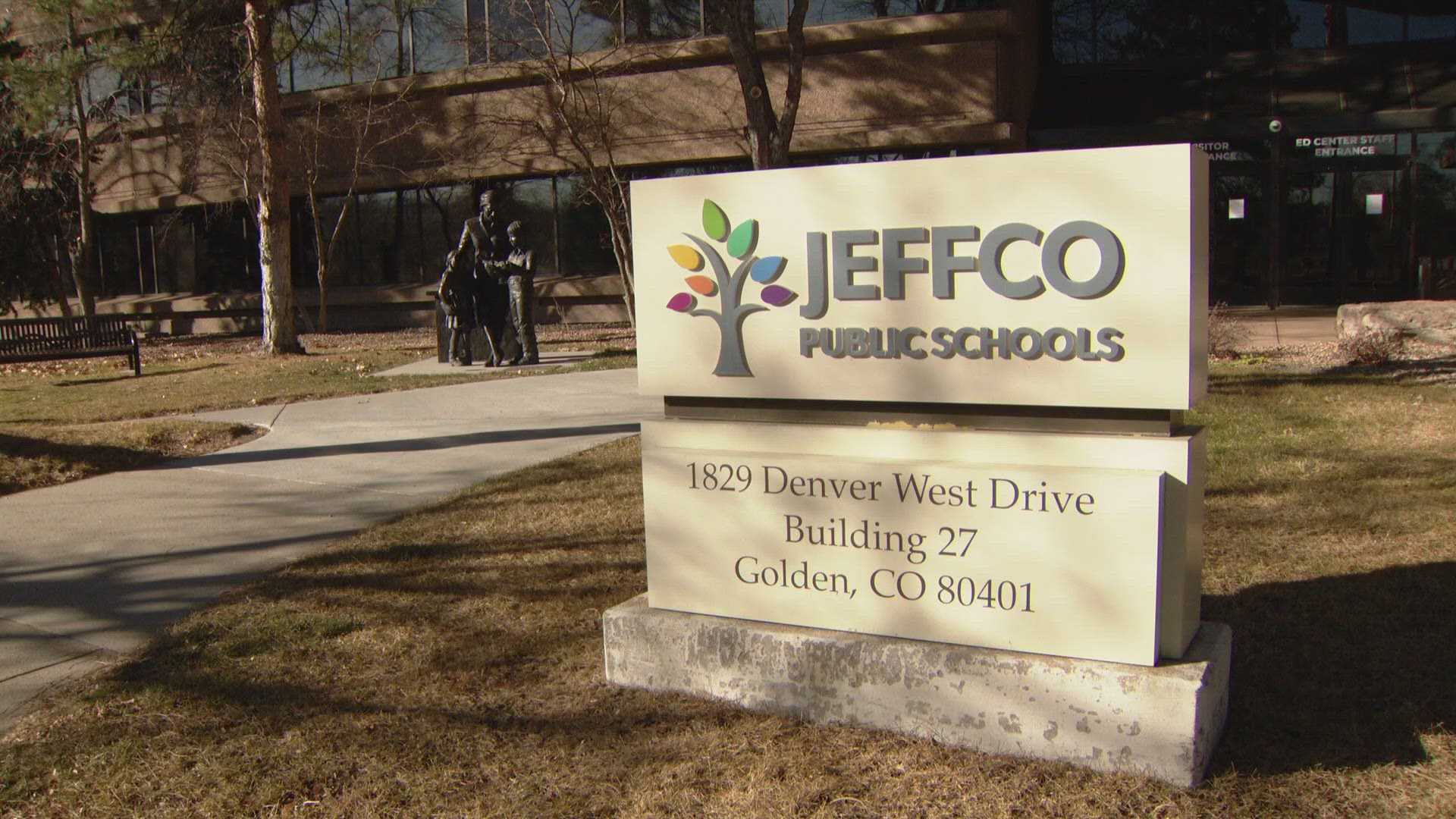
Navigating Employee Connections for Jeffco Public Schools in 2026
The Jefferson County School District (Jeffco Public Schools) utilizes the Employee Connections portal as a centralized digital gateway for staff to manage payroll, benefits enrollment, professional development, and leave requests. By a...
The Jefferson County School District (Jeffco Public Schools) utilizes the Employee Connections portal as a centralized digital gateway for staff to manage payroll, benefits enrollment, professional development, and leave requests. By authenticating through the district’s Single Sign-On (SSO) infrastructure, employees gain secure access to their internal HR ecosystem and official communication channels.
Contents
Understanding the Jeffco Public Schools Employee Ecosystem
Jeffco Public Schools, as the second-largest school district in Colorado, manages a complex human resources infrastructure supporting thousands of educators, administrators, and support staff. The "Employee Connections" platform functions as the primary interface for this workforce. Unlike general public websites, this portal acts as a protected environment where sensitive financial and personal data reside.
In 2026, the district continues to leverage integrated cloud-based HR Information Systems (HRIS) to streamline operational efficiency. Whether you are a newly hired teacher or a long-term classified staff member, mastering this portal is a prerequisite for managing your employment lifecycle effectively.
Core Functions and Administrative Modules
The Employee Connections portal is not merely a document repository; it is a dynamic interface for daily workforce management. The platform is architected to prioritize security and accessibility, ensuring that data integrity remains compliant with both Colorado state privacy laws and federal educational data standards.
- Payroll and Compensation: View digital pay stubs, update tax withholdings, and manage direct deposit authorizations.
- Benefits Administration: Access the 2026 open enrollment dashboard to modify healthcare elections, dental, vision, and voluntary retirement contributions (such as 403(b) or PERA-related plans).
- Professional Development (PD): Track licensure renewals, register for district-mandated training, and upload proof of continuing education units (CEUs).
- Leave and Attendance: Submit requests for personal leave, sick leave, or FMLA (Family and Medical Leave Act) tracking.
- District Communication: Review internal policy updates, bargaining unit information, and district-wide announcements.
Technical Access and Authentication Requirements
Accessing Employee Connections requires an active district network account. Because this portal contains sensitive information, the district enforces strict cybersecurity protocols.
Account Security Standards Multi-Factor Authentication (MFA) All employees are required to utilize MFA to access the portal. This involves a secondary verification step—typically a push notification via an approved mobile application or a time-sensitive code—to confirm identity during the login process. Single Sign-On (SSO) Protocol The portal integrates with the primary Jeffco Google Workspace account. If your primary district login credentials expire or are locked due to inactivity, your access to Employee Connections will be simultaneously restricted.
Comparison of Portal Access Methods and Support Levels
Understanding the difference between standard account self-service and high-priority HR support is essential for resolving connectivity issues efficiently.
| Access Type | Primary Utility | Resolution Pathway |
|---|---|---|
| Self-Service Portal | Routine payroll, benefits, leave | Employee Connections Dashboard |
| Help Desk Ticketing | Password resets, account lockout | IT Support Services Ticket |
| HR Services Inquiry | Contract disputes, complex benefits | Assigned HR Business Partner |
| Benefits Office | Specific insurance claims/carrier info | District Benefits Coordinator |
Troubleshooting Common Access Barriers
If you are unable to reach the Employee Connections site, follow these systematic troubleshooting steps before initiating an IT support request.
- Browser Cache and Cookies: Clear your browser’s cache or attempt to access the portal using an "Incognito" or "Private" window. Legacy data in your browser may conflict with current 2026 security certificates.
- Network Environment: Ensure you are using a secure, authorized network. While the portal is web-based and accessible remotely, some administrative features may require a district-managed device or a secure VPN connection if security policies are updated for the current fiscal year.
- Credential Status: Verify if your district Google account is active. Since Jeffco utilizes federated identity management, an expired password for your email account will prevent access to all downstream HR modules.
- Endpoint Security: Ensure your device is running supported operating systems and browsers. Outdated software may be blocked by the district's firewall to prevent potential security breaches.
Navigating Benefits and Insurance Within the Portal
For 2026, Jeffco Public Schools maintains specific contracts with insurance carriers. It is vital for employees to verify their specific plan documents via the portal rather than relying on external carrier websites, which may list general networks not applicable to the district’s group plans.
- PCP Requirements: Many HMO-based health plans offered through the district require the designation of a Primary Care Physician. Failing to assign a PCP within the insurance carrier's portal—accessible via links in your Employee Connections account—can result in claims being denied.
- Carrier Specifics: Always confirm that your specific medical group is in-network for the 2026 plan year. Jeffco’s plan administrator provides a "Summary of Benefits and Coverage" (SBC) within the portal that serves as the final authority on network status.
Frequently Asked Questions
How do I reset my password for Employee Connections? You must reset your password through the centralized Jeffco identity management system, not the portal itself. Once you update your primary district credentials, the change will propagate to the Employee Connections dashboard automatically.
Why am I unable to see my 2026 tax documents? Tax documents are typically released following the close of the calendar year. Ensure your mailing address and personal information are updated in the "Profile" section of the portal to receive notification of document availability.
Is there a mobile app for Employee Connections? Jeffco relies on mobile-responsive web interfaces rather than a standalone app to ensure security. Use a standard mobile browser on your smartphone to access the portal, ensuring you have your MFA device available to authorize the session.
Who do I contact if my leave balance is incorrect? You should first verify the discrepancy by reviewing your most recent pay stub in the portal. If the error persists, submit an inquiry through the HR Help Desk module, as they are the only department authorized to adjust accrual balances.
Can I access the portal while on an approved leave of absence? Yes, employees on leave maintain access to the portal to manage benefits, tax documents, and return-to-work documentation. If your access has been revoked, contact the HR Benefits office to ensure your status is correctly flagged as "On Leave."
Managing Your Employment Lifecycle
To maximize the value of the Employee Connections portal, adopt a habit of reviewing your "Profile" and "Notifications" sections on a quarterly basis. As of 2026, district policies regarding telecommuting, professional development reimbursements, and benefits structures are subject to change. Regularly logging in ensures you are prompted to acknowledge updated policies and complete mandatory compliance training, which prevents administrative holds on your account or payroll.
For those requiring specialized assistance with complex benefits or contractual questions, the district maintains an internal directory within the portal. Always start by using the integrated search function before escalating to external phone support, as most documentation is indexed specifically for employee inquiries.
Image Gallery