Accessing the Delta Extranet Login: A Technical Guide for Authorized Partners
The Delta Extranet portal serves as the secure, centralized gateway for authorized Delta Air Lines corporate partners, vendors, and travel agencies to manage operational data, ticketing protocols, and agency-specific business tools. Ac...
The Delta Extranet portal serves as the secure, centralized gateway for authorized Delta Air Lines corporate partners, vendors, and travel agencies to manage operational data, ticketing protocols, and agency-specific business tools. Access requires valid corporate credentials and adherence to strict multi-factor authentication protocols established for the 2026 operational environment to ensure data integrity and system security.
Contents
Understanding the Delta Extranet Ecosystem
The Delta Extranet is not a public-facing website for individual travelers. It is a restricted B2B environment designed to facilitate high-level communication between Delta and its professional partners. By centralizing documentation, booking tools, and performance metrics, Delta ensures that its partners operate under current global aviation standards and internal policies.
Access is generally limited to:
- Global Distribution System (GDS) partners and travel agencies.
- Corporate account managers handling high-volume business travel.
- Approved third-party vendors involved in supply chain or ground operations.
- Authorized cargo and freight forwarding entities.
Prerequisites for Successful Authentication
Before attempting to access the Delta Extranet, users must ensure their environment meets the technical requirements mandated by Delta’s security division. In 2026, the shift toward zero-trust architecture requires more than just a username and password.
- Identity Verification: Users must be registered within the Delta Partner Portal database. Individual agencies typically have an assigned administrator who manages internal access permissions.
- Browser Compliance: The portal is optimized for current versions of enterprise-grade browsers. Using outdated software may result in script errors or authentication loops.
- Network Security: Many corporate configurations require an active VPN or a whitelisted IP address range to interact with the extranet. If you are operating from a new office location, your administrator must update the registered network identifiers with Delta IT support.
- Multi-Factor Authentication (MFA): As of the 2026 security update, all logins must be validated through a secondary device or authenticator application. Ensure your MFA token is synchronized with the time settings of your network.
Step-by-Step Login Protocol
To maintain consistent access to the Delta Extranet, follow this procedural flow. If you experience a "403 Forbidden" error or an "Access Denied" notification, it is almost certainly a credential scope issue rather than a platform outage.
| Step | Action | Requirement |
|---|---|---|
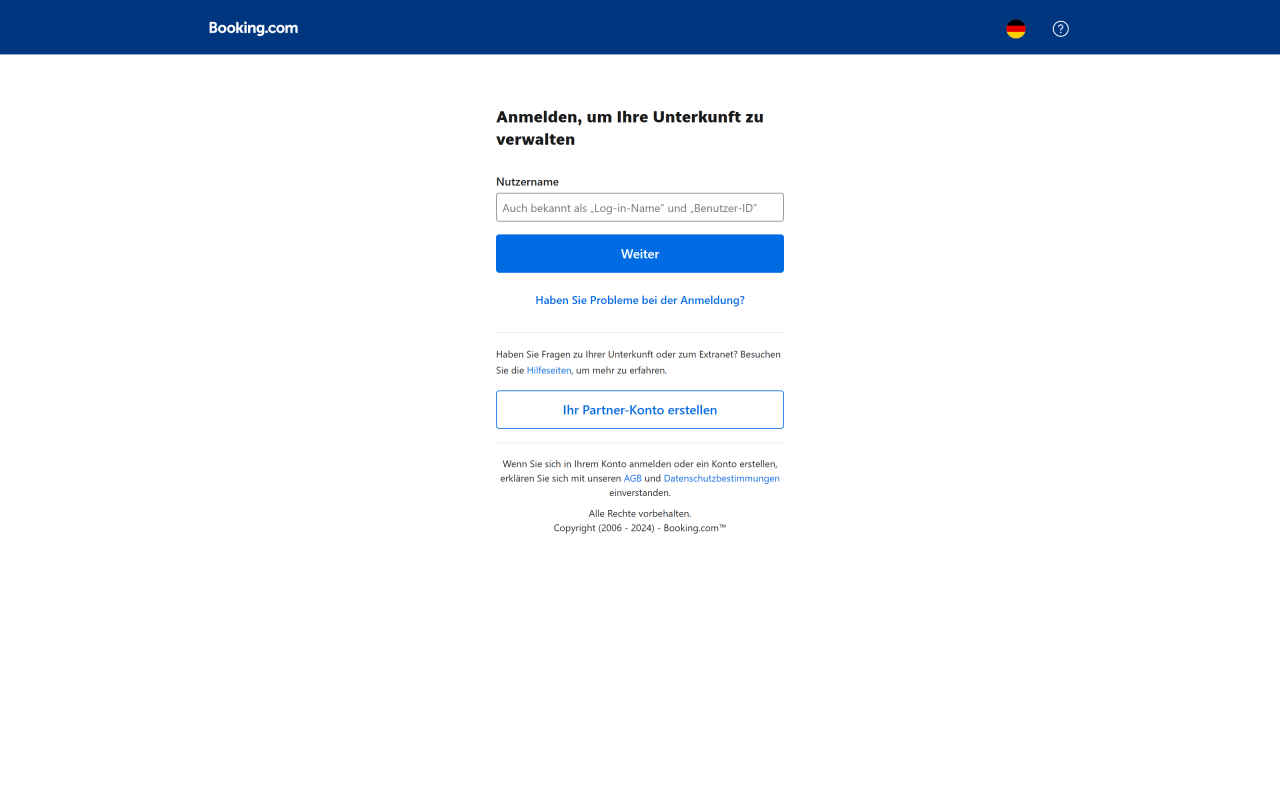
| 1 | Navigate to the official portal | Ensure the URL matches the secure delta.com subdomain specifically for partners. |
| 2 | Input Corporate Credentials | Use the unique Agency/Company ID and individual employee credentials. |
| 3 | Authenticate Identity | Provide the secondary MFA code via your registered mobile device or hardware key. |
| 4 | Security Handshake | Allow the browser to establish an encrypted session token with the Delta gateway. |
| 5 | Session Dashboard | Verify that your role-based access reflects your specific operational permissions. |
Security Best Practices
Credential Protection Never share your individual login credentials with other staff members. Each account is audited for session duration and location data to ensure compliance with data protection laws. Use role-based accounts where possible to facilitate team access without compromising personal security.
Regular Maintenance Periodically clear your browser cache and cookies if you encounter persistent login failures. Cached session fragments from previous 2026 portal updates can sometimes conflict with new security headers, leading to unexpected logout events during session activity.
Managing Technical Access Failures
When users encounter difficulties, they should follow a logical troubleshooting hierarchy to avoid unnecessary account lockouts.
- Account Lockout: If you input incorrect credentials three consecutive times, the system will trigger a security hold. You must contact your agency’s administrator to request a manual reset.
- MFA Desynchronization: If your authenticator app is not accepting the current code, check the time settings on your phone. Discrepancies as small as 30 seconds can cause authentication failure.
- Connectivity Interruption: If you are behind a strict corporate firewall, the extranet’s telemetry scripts might be blocked. Ask your local network administrator to verify that the specific subdomains used by the extranet are listed in the 'allow' policy for your facility.
Distinctions Between Portals
It is critical to distinguish the Extranet from other Delta platforms. Confusion often arises because Delta manages multiple digital properties.
- Delta Professional: This is the public-facing hub for travel agencies and corporate buyers to find policies, news, and training resources. It does not contain the sensitive, restricted tools found on the Extranet.
- Delta Cargo: This is a specialized portal for freight logistics. While similar in nature, the login credentials for the Cargo portal are distinct from those used for the standard agency Extranet.
- SkyMiles/Traveler Account: This is for individual passengers. Attempting to log into the Extranet with a SkyMiles login will consistently fail.
Frequently Asked Questions
Why am I receiving an 'Unauthorized' message even with correct credentials? An 'Unauthorized' message usually indicates that while your username is valid, your specific user profile has not been granted permission to access the particular page or tool you are attempting to reach. Contact your internal administrator to verify your role-based permissions.
Does the Delta Extranet support mobile browsers? The portal is primarily engineered for desktop use to ensure full compatibility with complex booking and reporting interfaces. While some mobile browsers may display the login page, functional limitations on mobile devices can prevent the completion of sensitive tasks.
Who do I contact if my agency administrator is unavailable? If your primary administrator is unreachable, you must contact the Delta Global Sales Support (GSS) team. They can verify your identity and agency status to provide guidance on restoring your access, though they cannot override security policies without proper verification.
Is there a specific URL for 2026? Always access the portal through the official bookmark provided by your agency’s IT department. Avoid searching for "Delta login" in public search engines, as this may lead to phishing sites designed to harvest your credentials.
How often should I update my security credentials? Per Delta's 2026 cybersecurity guidelines, password rotation is enforced every 90 days for all administrative and partner-level accounts to mitigate the risk of credential stuffing and unauthorized lateral movement within the network.
Strengthening Your Partnership Through Secure Access
Maintaining seamless access to the Delta Extranet is vital for your agency’s operational continuity. By keeping your credentials secure, ensuring your browser environment remains updated, and promptly addressing MFA synchronization issues, you protect your agency's ability to manage bookings and utilize Delta’s suite of services effectively. For further technical assistance, consult the official Delta Professional help documentation or contact your designated Delta sales representative to ensure your profile information remains current for the 2026 business cycle.
Image Gallery