Optimizing Operations With an Advanced Schedule Builder in 2026
A schedule builder is a digital tool or software application designed to automate, organize, and optimize the allocation of time, resources, and personnel across recurring shifts or project timelines. By leveraging algorithmic scheduli...
A schedule builder is a digital tool or software application designed to automate, organize, and optimize the allocation of time, resources, and personnel across recurring shifts or project timelines. By leveraging algorithmic scheduling, drag-and-drop interfaces, and real-time synchronization, modern schedule builders eliminate manual administrative bottlenecks, ensure policy compliance, and balance workloads effectively in 2026.
Contents
Core Architecture and Operational Principles of Modern Schedule Builders
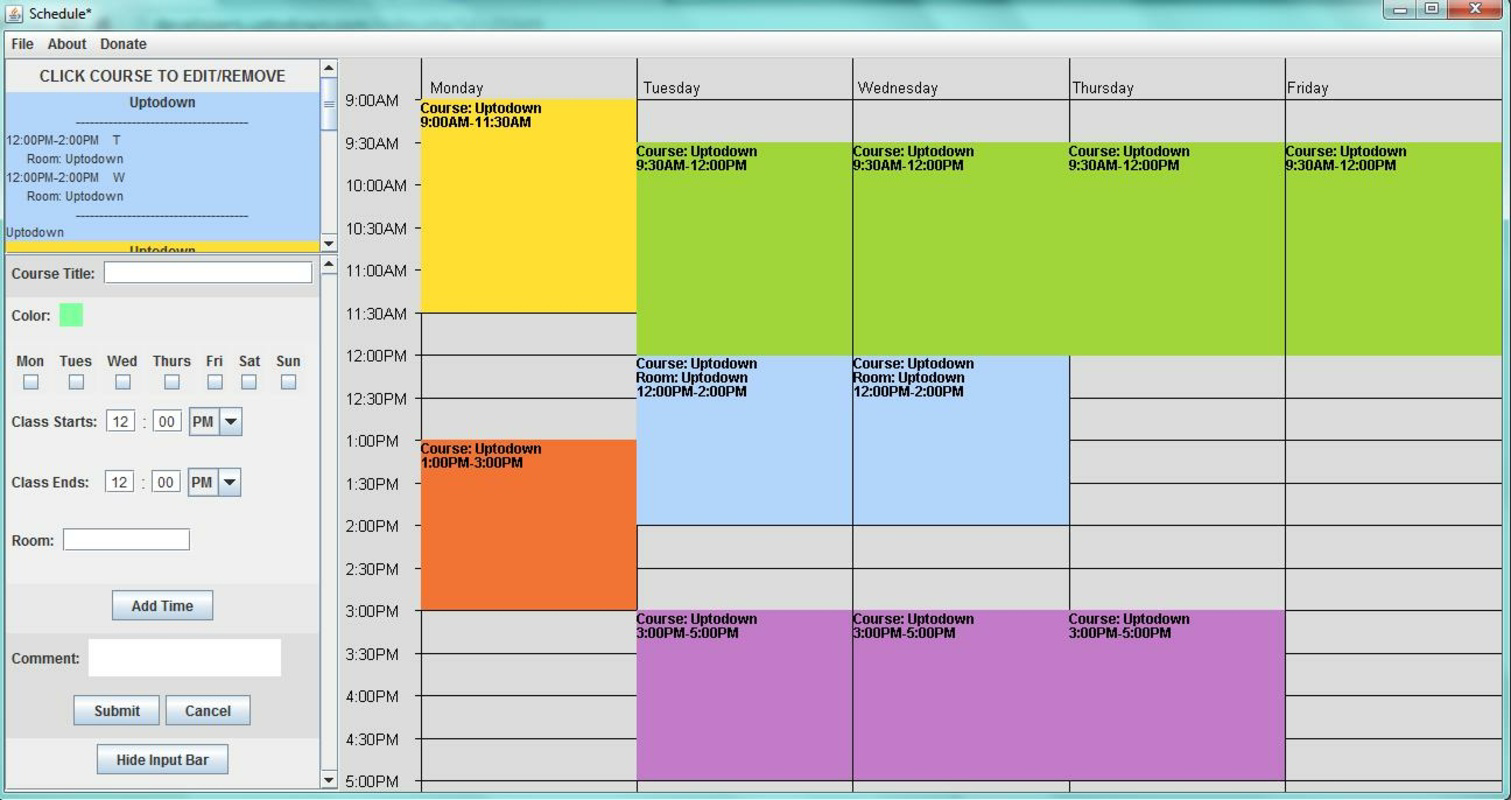
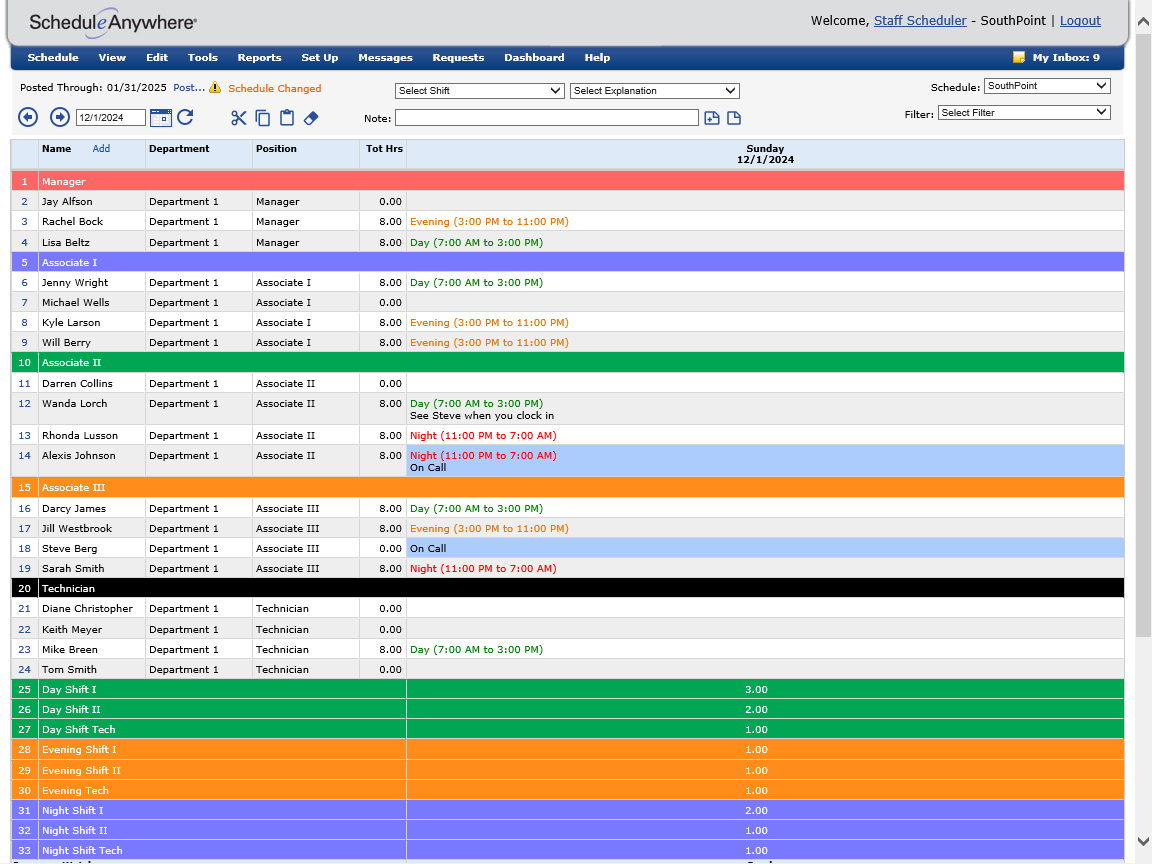
Understanding how a schedule builder functions under the hood requires examining its underlying architecture. Modern digital schedulers move far beyond static calendar grids, operating instead as dynamic relational databases. Every entity—whether an employee, a meeting room, a piece of heavy machinery, or a billing hour—acts as a parameterized node with specific attributes, availability constraints, and skill tags.
When users input parameters, the system processes them through constraint-satisfiction algorithms. These engines evaluate overlapping variables simultaneously, such as maximum weekly hours, mandatory rest periods between shifts, and specific credential requirements.
- Constraint Mapping: Defines hard rules (e.g., legal labor limits) and soft rules (e.g., employee shift preferences) to maintain operational integrity.
- Algorithmic Engine: Automatically matches available resources to open slots based on weighted priority scores.
- Real-Time Synchronization: Updates cloud databases instantly across all connected user devices, preventing double-booking and communication latency.
- Audit Logging: Tracks every modification made to the master grid for accountability and historical labor analysis.
Key Features to Demand in a 2026 Schedule Builder Solution
Selecting the right platform requires looking past basic visual calendars to evaluate core functional capabilities. The 2026 software market demands robust automation and seamless interoperability. Systems lacking open application programming interfaces (APIs) or intelligent automation create more administrative work than they resolve.
Advanced platforms integrate predictive analytics based on historical data. For instance, retail or healthcare environments can forecast foot traffic or patient volume surges, prompting the schedule builder to suggest optimized staffing levels automatically.
| Feature Category | Basic Capability | Advanced 2026 Capability | Operational Impact |
|---|---|---|---|
| Interface | Static weekly grid view | Interactive drag-and-drop with contextual warnings | Reduces scheduling errors by 75% |
| Automation | Manual shift copying | AI-driven auto-generation based on historical trends | Saves managers 10+ hours per week |
| Communication | Email notifications | Push notifications, SMS swaps, and in-app chat | Accelerates shift-coverage turnaround |
| Compliance | Basic hour warnings | Automated overtime tracking and labor law checks | Mitigates legal risk and penalty fines |
| Integrations | CSV export only | Bi-directional API sync with payroll and HRIS | Eliminates manual data entry duplication |
Step-by-Step Implementation Framework for Deploying a Schedule Builder
Deploying a schedule builder successfully requires a structured, multi-phase approach to ensure user adoption and accurate data migration. Skipping foundational setup steps often results in corrupted scheduling data and staff resistance.
- Audit Existing Workflows: Document current scheduling pain points, peak operational hours, labor budget constraints, and communication breakdowns across departments.
- Configure Master Data: Input organizational hierarchies, department structures, exact job titles, wage rates, and individual employee availability profiles into the platform.
- Establish Policy Rules: Program local labor laws, union regulations, overtime thresholds, and company-specific time-off policies directly into the system's compliance engine.
- Run Parallel Testing: Operate the new schedule builder alongside legacy systems for two weeks to catch edge cases, incorrect permission settings, or algorithmic anomalies.
- Rollout and Training: Conduct mandatory training sessions for managers and frontline staff, focusing on mobile app usage, shift-swap requests, and availability updates.
Evaluating Pros and Cons of Automated Scheduling Platforms
Implementing an automated scheduling platform transforms organizational efficiency, but it also introduces specific operational trade-offs that management teams must evaluate before purchasing enterprise licenses.
Advantages of Automation
- Drastic Time Savings: Eliminates hours spent manually aligning spreadsheets, texting staff, and calculating weekly payroll hours.
- Enhanced Transparency: Gives employees real-time visibility into their schedules, shift-swap options, and accrued time-off balances via mobile applications.
- Minimized Human Error: Prevents accidental scheduling of fatigued workers, unauthorized overtime, or under-staffed shifts.
Disadvantages and Challenges
- Initial Setup Complexity: Mapping intricate labor rules, multiple pay rates, and department dependencies requires significant upfront configuration time.
- Digital Adoption Resistance: Non-technical staff or legacy workers may struggle to adapt to mobile-first interfaces and app-based shift requests.
- Subscription Costs: Enterprise-tier features often involve recurring per-user software licensing fees that scale up as headcount grows.
Troubleshooting Common Scheduling Bottlenecks and System Errors
Even the most advanced schedule builder encounters operational friction if configured incorrectly. Addressing these common pitfalls ensures system stability and user satisfaction.
Data Synchronization Failures Issue: Schedule updates fail to push to employee mobile devices or payroll software. Remedy: Verify API webhook connections and ensure background app refresh permissions are enabled on user devices. Check system error logs for authentication token expirations between the scheduler and external HRIS platforms.
Algorithmic Overtime Generation Issue: The auto-fill engine consistently assigns shifts that trigger time-and-a-half pay rates. Remedy: Re-adjust the priority weighting within the constraint engine. Increase the penalty score for exceeding standard weekly hour thresholds and ensure employee maximum availability limits are accurately updated.
Low Employee Engagement Issue: Staff members ignore push notifications and fail to submit availability changes on time. Remedy: Enforce policy guidelines requiring availability submissions by a fixed recurring deadline. Utilize SMS notification fallbacks for employees who disable push alerts within the mobile app.
Frequently Asked Questions About Schedule Builders
What is a schedule builder and who uses it?
A schedule builder is a digital software tool used to create, manage, and optimize work shifts or project timelines. It is primarily utilized by operations managers, HR professionals, healthcare administrators, and project leads across industries like retail, manufacturing, and professional services.
Can a schedule builder automatically prevent employee overtime?
Yes, modern platforms feature built-in compliance rules that flag or block managers from assigning shifts that push an employee past standard weekly hour thresholds. This automation significantly reduces unexpected payroll expenses.
How do employees interact with a schedule builder?
Employees typically interact with the platform via dedicated mobile applications or web portals. They can view upcoming shifts, request time off, drop or pick up open shifts, and communicate directly with managers.
Does a schedule builder integrate with existing payroll software?
Most professional scheduling platforms offer bi-directional integrations with major payroll and human resources information systems (HRIS). This connectivity ensures hours worked flow seamlessly into payroll processing without manual data reentry.
How much does enterprise scheduling software cost?
Pricing varies widely based on features, support levels, and user volume, typically ranging from per-user monthly subscription models to tiered enterprise pricing structures. Organizations must evaluate their specific operational needs against feature tiers to maximize return on investment.
Strategic Recommendation for Selecting Your Platform
Choosing the right schedule builder ultimately depends on your organization's specific scale, regulatory environment, and technical infrastructure. Prioritize software solutions that offer intuitive mobile interfaces for frontline staff alongside robust, customizable rule engines for management. By auditing your labor workflows and enforcing disciplined initial data setup, you will maximize operational efficiency, maintain strict compliance, and empower your workforce with seamless schedule visibility.
Image Gallery