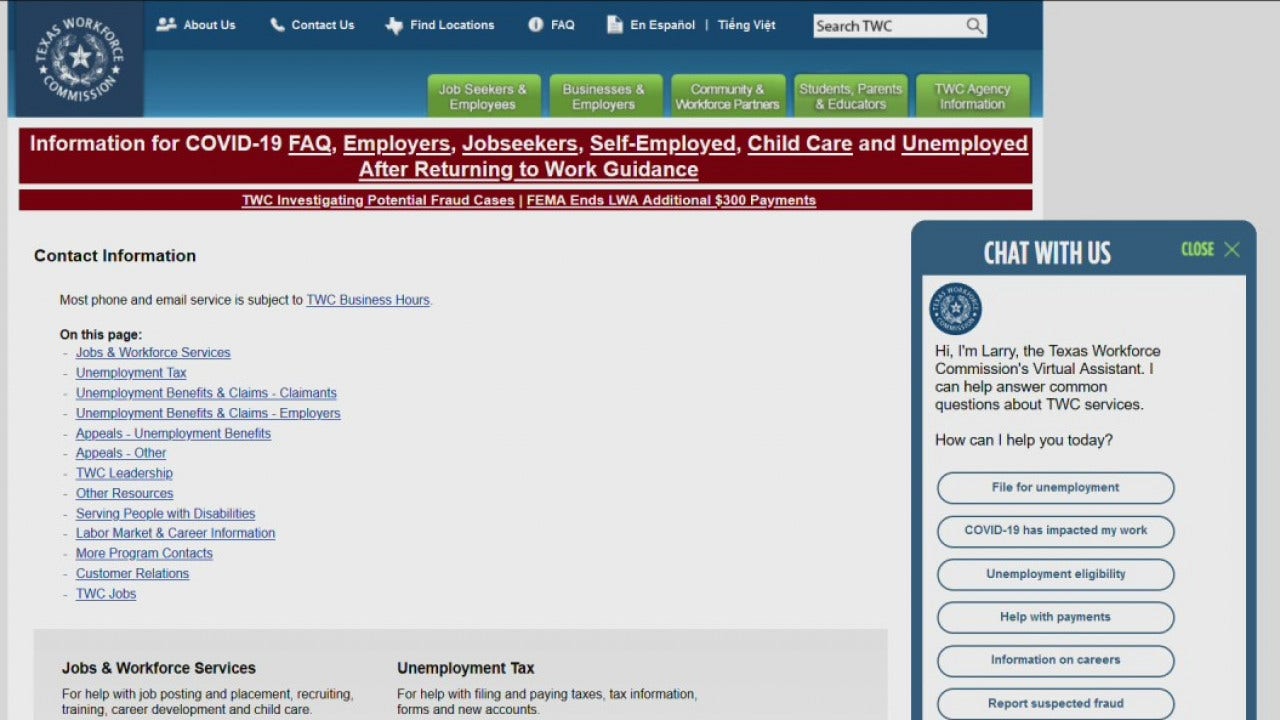
Navigating the TWC Unemployment Login: Official 2026 Access and Account Management Guide
Accessing the Texas Workforce Commission (TWC) online portal requires navigating specific authentication protocols, security standards, and system requirements to manage your unemployment benefits effectively in 2026. Whether you are f...
Accessing the Texas Workforce Commission (TWC) online portal requires navigating specific authentication protocols, security standards, and system requirements to manage your unemployment benefits effectively in 2026. Whether you are filing your biweekly payment requests, reviewing correspondence, or updating your direct deposit details, understanding the official login infrastructure ensures your claim remains active and compliant with state regulations.
Contents
Understanding the TWC Unemployment Portal Infrastructure
The Texas Workforce Commission utilizes a centralized digital ecosystem known as the Unemployment Benefits Services (UBS) portal. This system handles identity verification, initial claim submissions, biweekly payment certifications, and tax document retrievals. To access this network, claimants must interact with state-approved identity verification layers designed to prevent fraudulent claims and protect sensitive personally identifiable information (PII).
Core Components of the UBS System
- User ID and Password Management: The foundational layer for daily or biweekly account access.
- Multi-Factor Authentication (MFA): Security protocols requiring secondary verification via SMS code, email confirmation, or authenticator applications.
- Correspondence Inbox: The secure digital repository where TWC delivers official determinations, monetary determinations, and appeal notices.
- Payment Status Tracker: A real-time ledger displaying the status of processed payments, held funds, and maximum benefit amounts.
Step-by-Step Guide to Secure TWC Unemployment Login
Executing a successful login to your TWC account requires adherence to specific technical pathways to avoid account lockouts or security flags. Follow this structured workflow to access your portal safely.
- Navigate exclusively to the official Texas Workforce Commission website by typing the secure URL into your browser or using verified state government links ending in .gov.
- Locate and select the Unemployment Benefits Services (UBS) portal link, typically featured prominently on the homepage banner or under the benefits navigation tab.
- Enter your established User ID and secure password. If you are accessing the system from a new device, be prepared to complete the multi-factor authentication challenge.
- Review your dashboard to check for any pending action items, such as scheduled job search logs, eligibility questionnaires, or requests for additional documentation.
- Log out securely once your session is complete, particularly if you are using a public or shared computer terminal.
Technical Specifications and Browser Compatibility Requirements
The TWC online portal relies on modern web technologies to process secure transactions. Using outdated software or misconfigured browser settings frequently results in login errors, frozen screens, or authentication loops.
| System Parameter | Minimum Requirement | Recommended Specification |
|---|---|---|
| Supported Browsers | Chrome 90+, Safari 14+, Edge 90+ | Latest stable release of Chrome or Edge |
| JavaScript | Enabled | Enabled with local storage permitted |
| Cookies | Session cookies allowed | First-party cookies permitted |
| Connection Type | TLS 1.2 encryption | TLS 1.3 secure HTTPS connection |
| Pop-up Blockers | Disabled for twc.texas.gov | Disabled to allow PDF correspondence downloads |
Troubleshooting Common Login Errors and Account Lockouts
Experiencing login friction is a common hurdle for claimants. Knowing how to resolve these issues independently prevents prolonged delays in benefit disbursements.
Forgotten User IDs or Passwords
If you cannot remember your credentials, avoid guessing repeatedly, as entering incorrect information multiple times will trigger an automated security lockout. Use the official "Forgot User ID" or "Reset Password" links on the login page. You will need access to the email address associated with your account or your verified social security number and date of birth to complete the recovery process.
Resolving Account Lockouts
When an account is locked due to excessive failed login attempts, users must typically wait for an automated system reset window or contact the TWC Tele-Center during operational hours. Agents can manually verify your identity through security questions and reset your access parameters.
Handling MFA Delivery Failures
If you fail to receive your multi-factor authentication code via text or email:
- Check your spam or junk folder for automated TWC messages.
- Ensure your mobile carrier is not blocking short-code text messages.
- Verify that your phone number has not changed since your initial claim registration.
Comparing TWC Access Methods: Online Portal vs. Tele-Center
While the online portal represents the fastest and most efficient method for managing claims, claimants have alternative avenues for interaction. The following table contrasts the digital experience with telephone access.
| Feature / Metric | Online UBS Portal | Tele-Center Phone System |
|---|---|---|
| Availability | 24/7 access (subject to scheduled maintenance) | Restricted to operating hours (Monday through Friday) |
| Processing Speed | Instantaneous submission of biweekly requests | Dependent on phone queue wait times and manual entry |
| Document Review | Direct PDF download of correspondence and tax forms | Read verbally by agents; no instant visual access |
| Direct Deposit Updates | Immediate digital update and confirmation | Processed verbally with mandatory security verification |
| Best Used For | Daily monitoring, filing requests, reading messages | Complex claim adjudications, appeal inquiries, lockouts |
Security Best Practices and Fraud Prevention
The TWC portal handles critical financial data, making it a target for malicious actors attempting unemployment identity theft. Safeguarding your account requires strict adherence to digital hygiene.
- Never Share Credentials: TWC representatives will never ask for your password over the phone, via email, or through text message.
- Bookmark the Official Site: Avoid clicking links found in unsolicited text messages or emails claiming to be from the TWC. Always navigate directly to the official state domain.
- Monitor Account Activity: Regularly review your payment history and contact information to ensure no unauthorized changes have been made to your direct deposit destination.
Frequently Asked Questions
How do I log into my TWC unemployment account if I forgot my User ID?
You can retrieve your User ID by selecting the "Forgot User ID" link on the main UBS login page and providing your verified personal identification details. Following the system prompts will allow you to recover your credentials securely without needing to call support.
What should I do if my TWC account is locked?
If your account locks after multiple incorrect login attempts, wait for the designated lockout period to expire or contact the TWC Tele-Center for manual identity verification and password reset assistance. Do not create a duplicate account, as this will complicate your existing claim status.
Can I access the TWC unemployment login from a mobile phone?
Yes, you can access the UBS portal using the mobile browser on your smartphone or tablet. Ensure your mobile browser is updated to the latest version and that JavaScript is enabled for optimal performance.
Why is my TWC login page freezing or failing to load?
Freezing or loading failures are usually caused by outdated browser caches, active pop-up blockers, or unsupported browser versions. Clear your browser cache, disable extensions that block scripts, and attempt to log in using a modern browser like Google Chrome or Microsoft Edge.
Are there specific hours when the TWC login portal is unavailable?
While the online portal is generally available 24 hours a day, TWC performs routine system maintenance during off-peak hours and weekends. During these maintenance windows, login access and biweekly payment submissions may be temporarily offline.
What is required to complete multi-factor authentication on TWC?
Multi-factor authentication typically requires a secure mobile phone number capable of receiving SMS text messages or an active email address to receive a one-time verification code upon login. Ensure your contact details remain current within your account settings to prevent authentication roadblocks.
Conclusion and Next Steps
Maintaining active management of your Texas Workforce Commission unemployment benefits relies on consistent, secure access to the UBS portal. By utilizing supported web browsers, adhering to multi-factor authentication protocols, and monitoring your correspondence inbox regularly, you ensure compliance with state requirements and prevent unnecessary disruptions to your financial support. Review your dashboard weekly, keep your contact details updated, and utilize official support channels if technical roadblocks arise.
Image Gallery