Implementing a Personal Chat Bot for Home Energy Management
A personal chat bot for home energy management acts as an intelligent, conversational interface between a homeowner and their smart domestic ecosystem, providing real-time analytics, automated control, and actionable efficiency recomme...
A personal chat bot for home energy management acts as an intelligent, conversational interface between a homeowner and their smart domestic ecosystem, providing real-time analytics, automated control, and actionable efficiency recommendations. By consolidating data from disparate sensors and smart devices, these systems allow users to monitor consumption patterns and optimize utility usage through natural language interactions.
Contents
The Role of Conversational Interfaces in Smart Homes
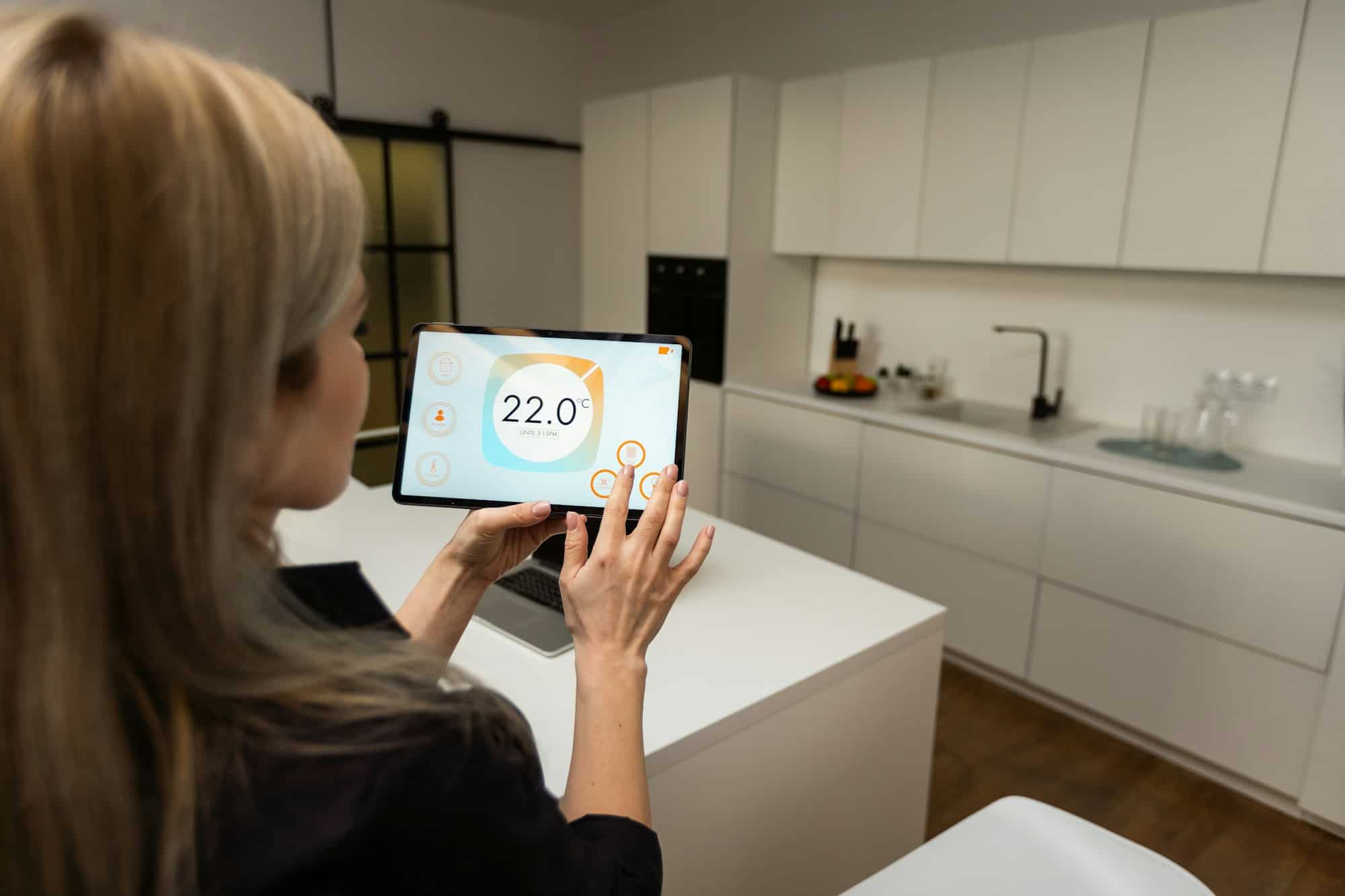
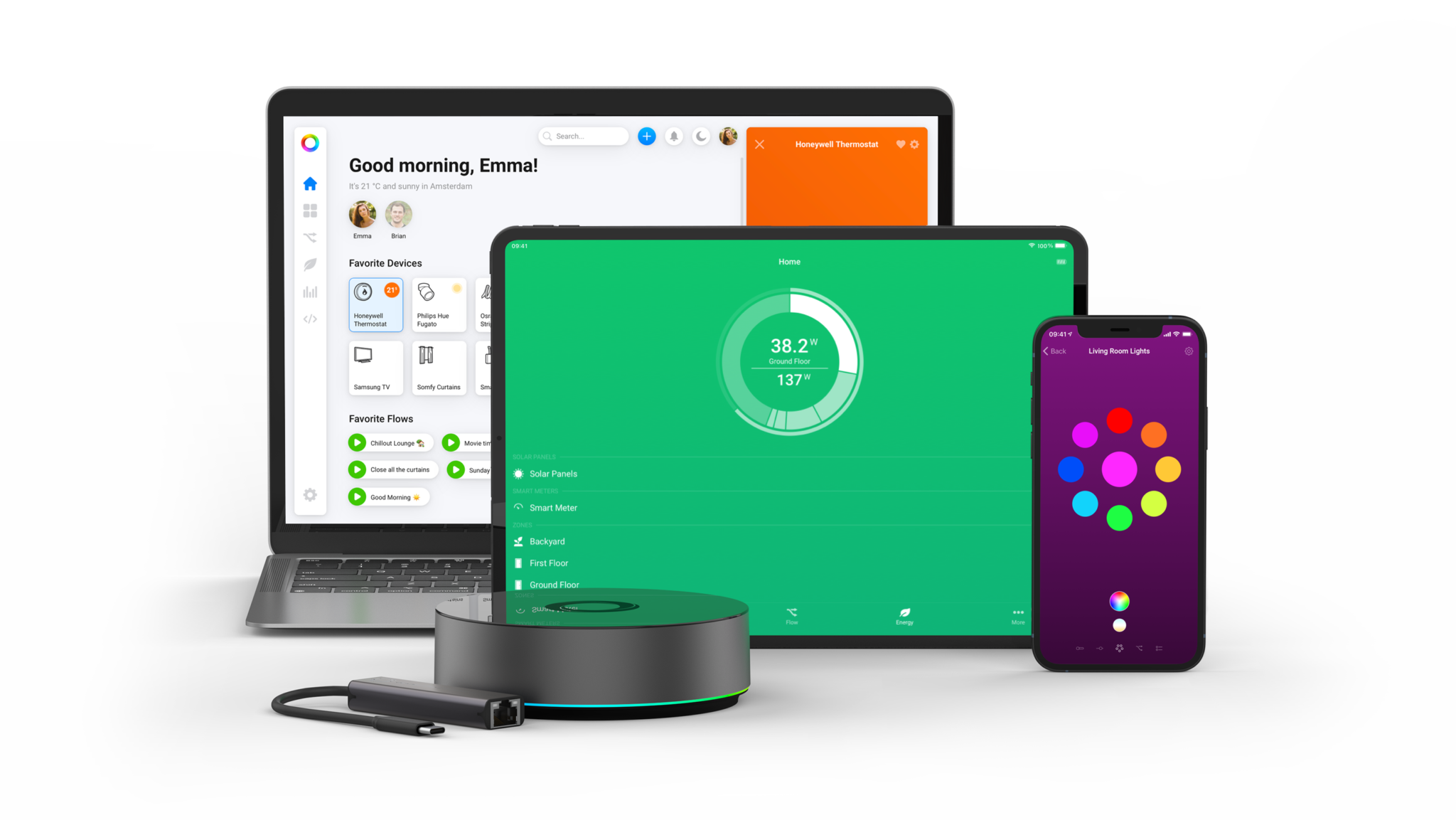
In 2026, the smart home landscape has evolved beyond simple remote-controlled lights and thermostats toward highly integrated, predictive environments. A personal chat bot for home energy management sits at the center of this ecosystem, functioning as a data aggregator. Rather than forcing a user to toggle through multiple proprietary applications for a solar inverter, a smart EV charger, and a climate control system, the bot serves as a unified command center.
The primary function of such an interface is to lower the cognitive load associated with home optimization. By leveraging Large Language Models (LLMs) tuned for technical data, these bots can interpret complex energy metrics—such as time-of-use tariff spikes or battery depth-of-discharge—and convert them into plain English summaries. This transformation is critical for homeowners who want to save money but lack the time to manually audit hourly energy consumption logs.
Technical Prerequisites and Hardware Requirements
Before deploying a chat-based management system, the home must possess the foundational hardware capable of reporting data. A software bot cannot influence energy management if it lacks an interface to the hardware.
Essential prerequisites include:
- Smart Meter Integration: Access to real-time telemetry from your local utility, often facilitated through a Home Area Network (HAN) device or a bridging gateway like an Emporia Vue or a Shelly power meter.
- Centralized Automation Hub: A platform like Home Assistant, openHAB, or a proprietary cloud-connected hub that can act as the "brain" and provide an API (Application Programming Interface) for the bot to communicate with hardware.
- Connectivity Protocol: A stable mesh network, such as Zigbee, Thread, or Matter, ensuring that power-consuming devices are responsive to commands issued via the chat interface.
Architecting the Bot: API Gateways and Data Flow
The architecture of a personal energy bot involves a three-tier structure: the Data Layer, the Logic Layer, and the Interface Layer.
- Data Layer: This captures raw consumption data (kWh, voltage, amperage) from your smart circuit breakers and solar inverters. Accuracy here is paramount; ensure that your sensors are calibrated and that your sampling frequency is sufficient—ideally, once every 10–60 seconds for effective load shedding.
- Logic Layer: This is where the "intelligence" resides. The bot must be programmed with specific rules regarding your energy goals. For instance, if electricity prices exceed a certain threshold (e.g., $0.40/kWh), the logic should instruct the bot to notify the user or automatically throttle non-essential loads like pool pumps or secondary HVAC zones.
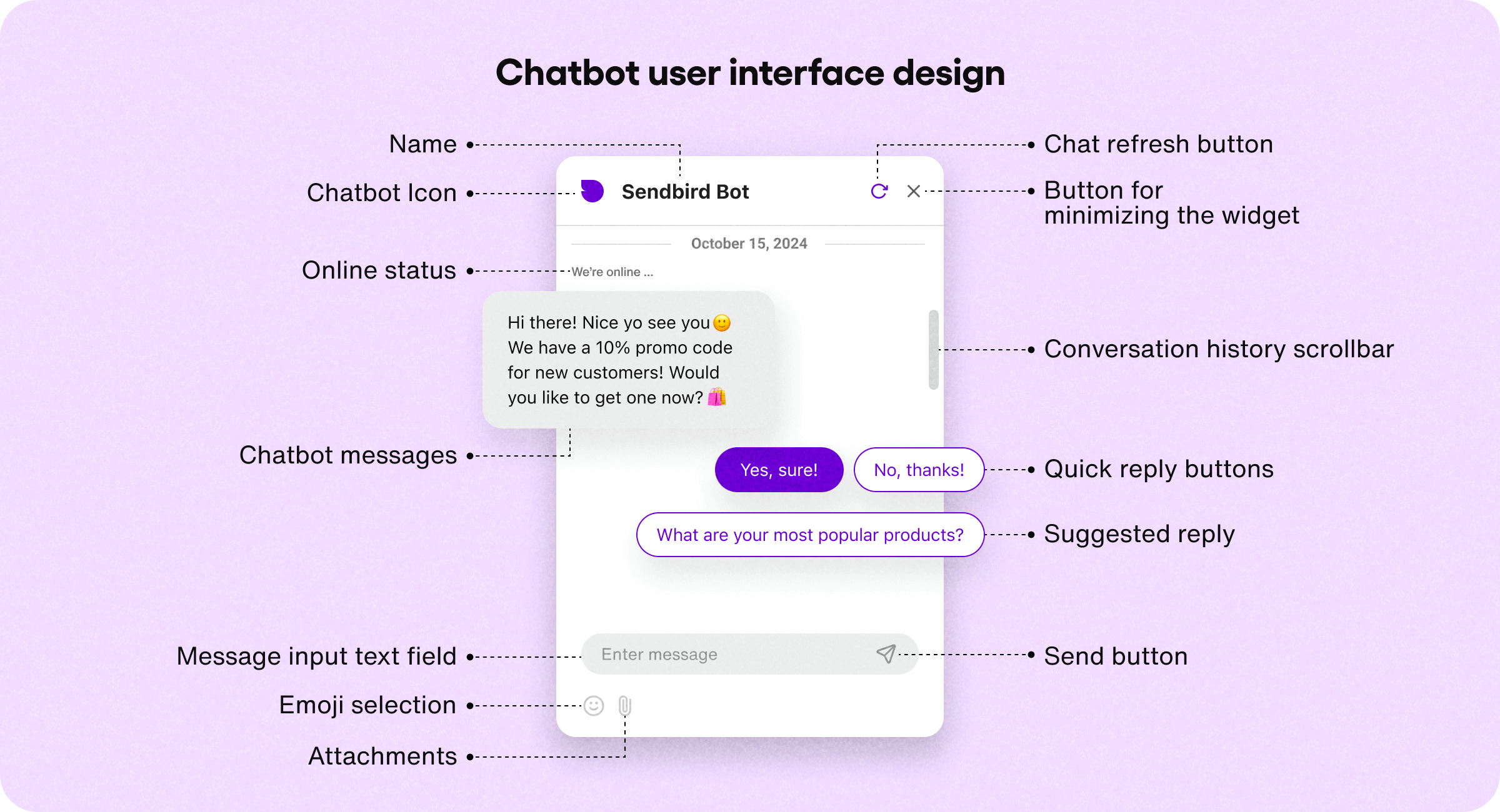
- Interface Layer: This is the messenger application (e.g., Telegram, Discord, or a custom web dashboard) where the user interacts with the bot. Secure, encrypted communication between this interface and your home network is mandatory to prevent unauthorized adjustments to your home settings.
Comparing Energy Management Approaches
The choice between a ready-made commercial solution and a custom-built, locally hosted chat bot involves significant trade-offs in privacy, cost, and technical effort.
| Feature | Commercial Smart Assistant | Self-Hosted Custom Bot |
|---|---|---|
| Data Privacy | Cloud-dependent, shared with vendor | Local-only, private to the user |
| Technical Barrier | Low (Plug and play) | High (Requires coding/API knowledge) |
| Customization | Limited to vendor presets | Unlimited logic and integration |
| Ongoing Costs | Often includes monthly subscription | One-time hardware/energy cost |
Practical Steps for Implementation
If you are comfortable with technical configuration, building your own bot via an open-source automation platform is the most flexible route in 2026.
- Select Your Platform: Most DIY enthusiasts utilize Home Assistant due to its robust support for energy-monitoring integrations.
- Establish API Keys: Generate a secure, restricted-scope API key that allows your chat application to read energy sensor data and trigger specific switches or "helpers."
- Deploy the LLM Gateway: Use a local language model container (such as Ollama) to interpret your natural language queries, or connect your automation platform to a secure OpenAI or Anthropic API endpoint to translate requests like "How much did I spend on AC today?" into the necessary technical commands.
- Define Security Boundaries: Never allow a chat bot to have unverified write-access to critical infrastructure. Implement a "confirmation gate," where the bot must ask you to confirm any command that changes a high-voltage setting, such as HVAC setpoints or battery discharge limits.
Limitations and Risk Mitigation
Implementing a conversational bot for energy introduces unique risks. Foremost is the risk of "hallucinations," where the AI interprets data incorrectly. For instance, if an LLM is asked to optimize for cost, it might misinterpret a weather forecast, leading it to discharge a home battery at an suboptimal time.
Additionally, reliance on internet-based APIs introduces latency. If your connection drops, the bot becomes unresponsive. Always maintain a "local override" or physical toggle for all automated appliances. Relying exclusively on a chatbot for essential heating or cooling without a fail-safe backup during the winter or extreme heat waves is a common failure point that can lead to property damage or discomfort.
Frequently Asked Questions
Does a home energy bot actually save money? It helps you identify "vampire loads"—devices that draw power while idle—and optimizes usage against variable-rate tariffs. Savings vary based on your utility's pricing structure and the efficiency of your home’s hardware, but users typically see a 5% to 15% reduction in usage through behavioral changes alone.
Is it safe to let an AI control my home energy? Safety depends on the "human-in-the-loop" constraints you define. Always implement hard-coded safety limits in your automation hub (e.g., preventing a heater from being set to an unsafe temperature) that the chat bot cannot override.
What if my internet goes down? Ensure your home automation hub is locally hosted. If the hub is offline, the bot will lose communication with your devices, but your appliances should retain their last set state or revert to manual mode.
Do I need programming skills to set this up? Basic knowledge of JSON or YAML is often required for connecting services, though pre-built integrations in 2026 have significantly simplified the process for those using established platforms like Home Assistant.
Can the bot control solar battery storage? Yes, provided your inverter manufacturer provides an API. The bot can read battery charge levels and command the inverter to charge during off-peak hours or discharge during peak price periods.
Next Steps for Homeowners
To begin your journey into personal energy management, audit your home’s current smart readiness. Determine if your existing utility meter can export data via an optical reader or Zigbee module. Once you have established a data stream, start by configuring a simple notification bot that alerts you when your home reaches high-consumption thresholds. From there, you can gradually grant the system permissions to control specific, low-risk devices.
Image Gallery